Android · Translation
RealTime Translator
Read a menu. Understand a sign. Get a message across. Translate photos and everyday phrases, then save what you want to use again.
Get RealTime Translator on Google Play
Watch it in action
Find your way to translate
Watch our English-to-Chinese recordings and explore how RealTime Translator can help with a phrase, a conversation or your next trip.
See the app
What you can do
Translate in the moment
Type and translate
Enter text to get a translation, then listen to it spoken aloud to help with pronunciation.
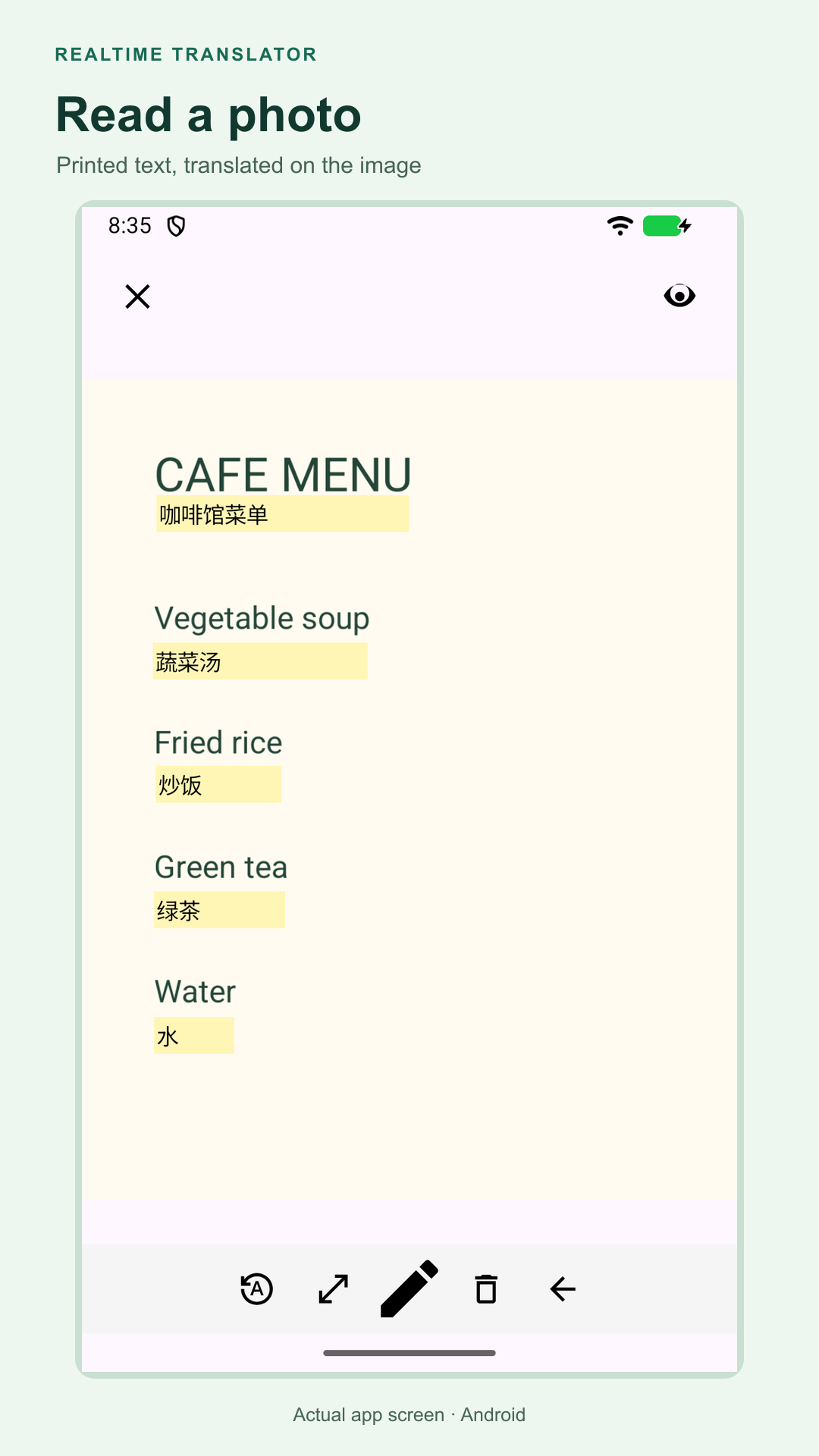
Translate from images
Use your camera or choose an image to understand text on signs, menus and more.
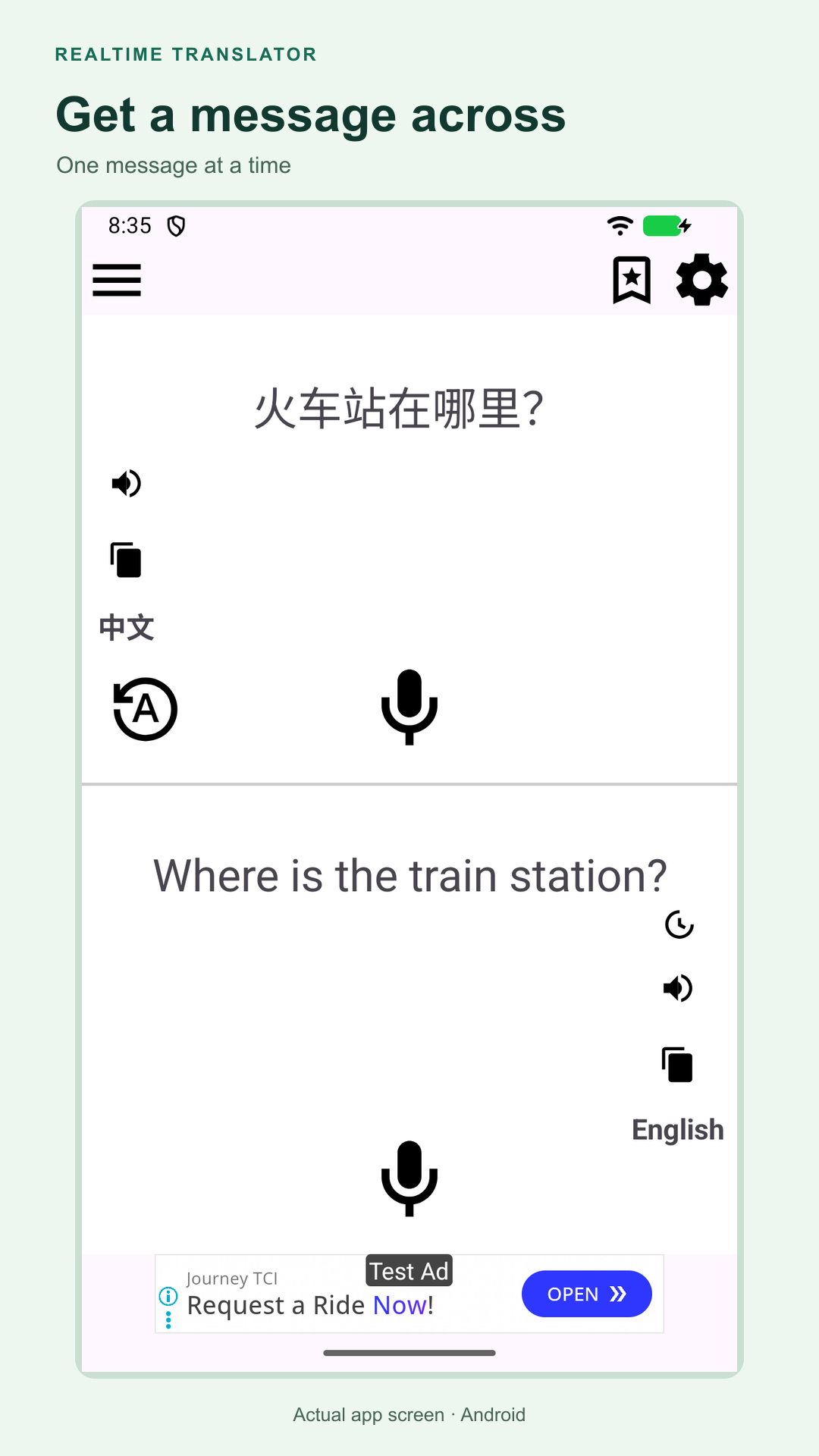
Talk across languages
Use voice conversation mode to translate speech during a face-to-face chat.
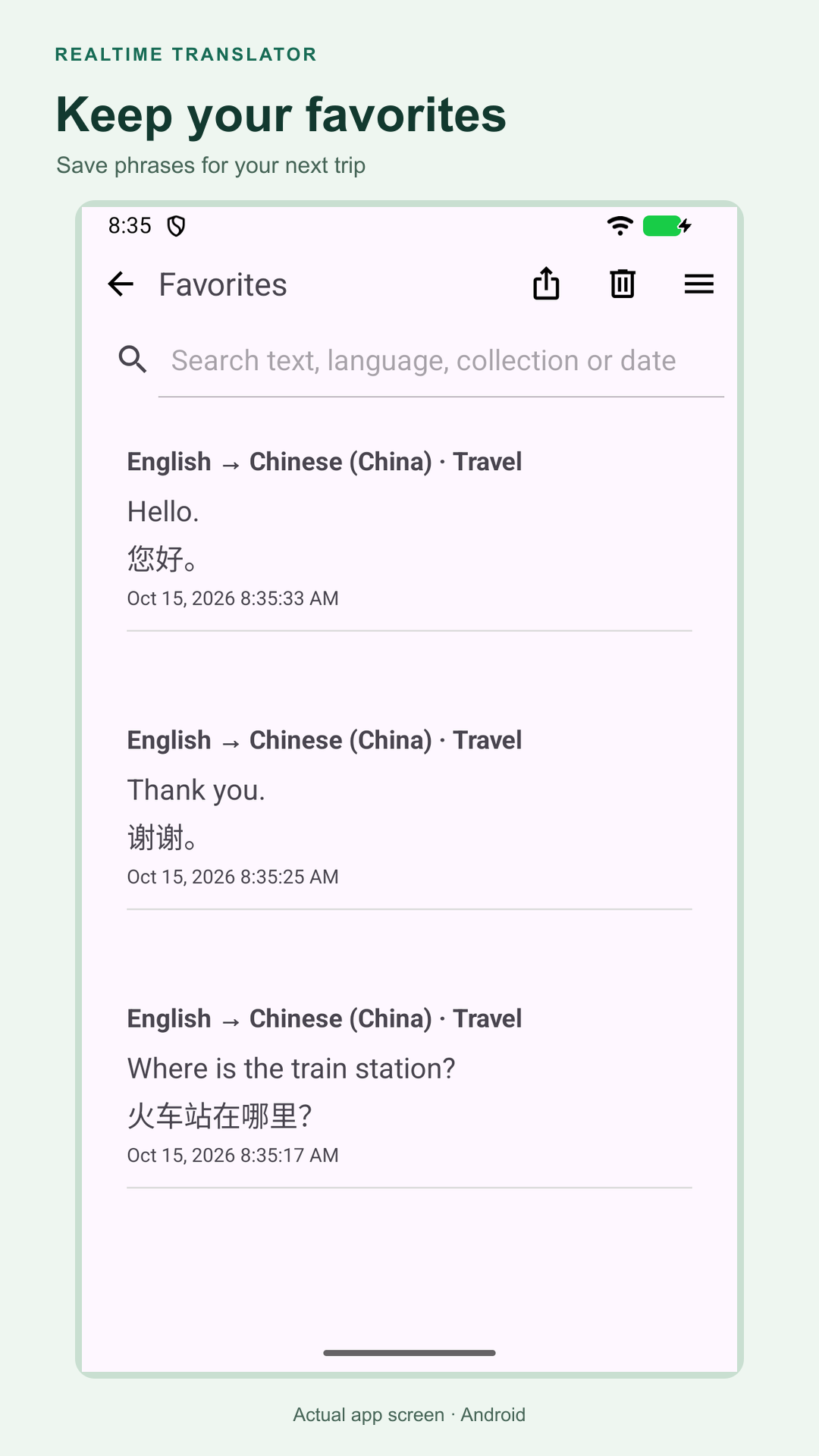
Keep useful phrases
Return to saved phrases and past translations when you need them again.
Prepare before your trip
Download translation language models before relying on offline text translation. Speech recognition and voice playback depend on your device’s installed services and may require internet access. Photo recognition supports Latin, Chinese, Japanese, Korean and Devanagari scripts.
Ready to try it?
Take RealTime Translator with you on your Android device.
Contact us
Questions, suggestions or a problem with RealTime Translator?
Please include your device model, Android version and a short description of the issue.